1.5 Inch Square Template
A mid-size square for detailed designs and modern aesthetics.
Template Specifications
Everything you need to know about the 1.5" square cutout
*approximate size
What People Make with 1.5" Square Cutouts
A balanced square format
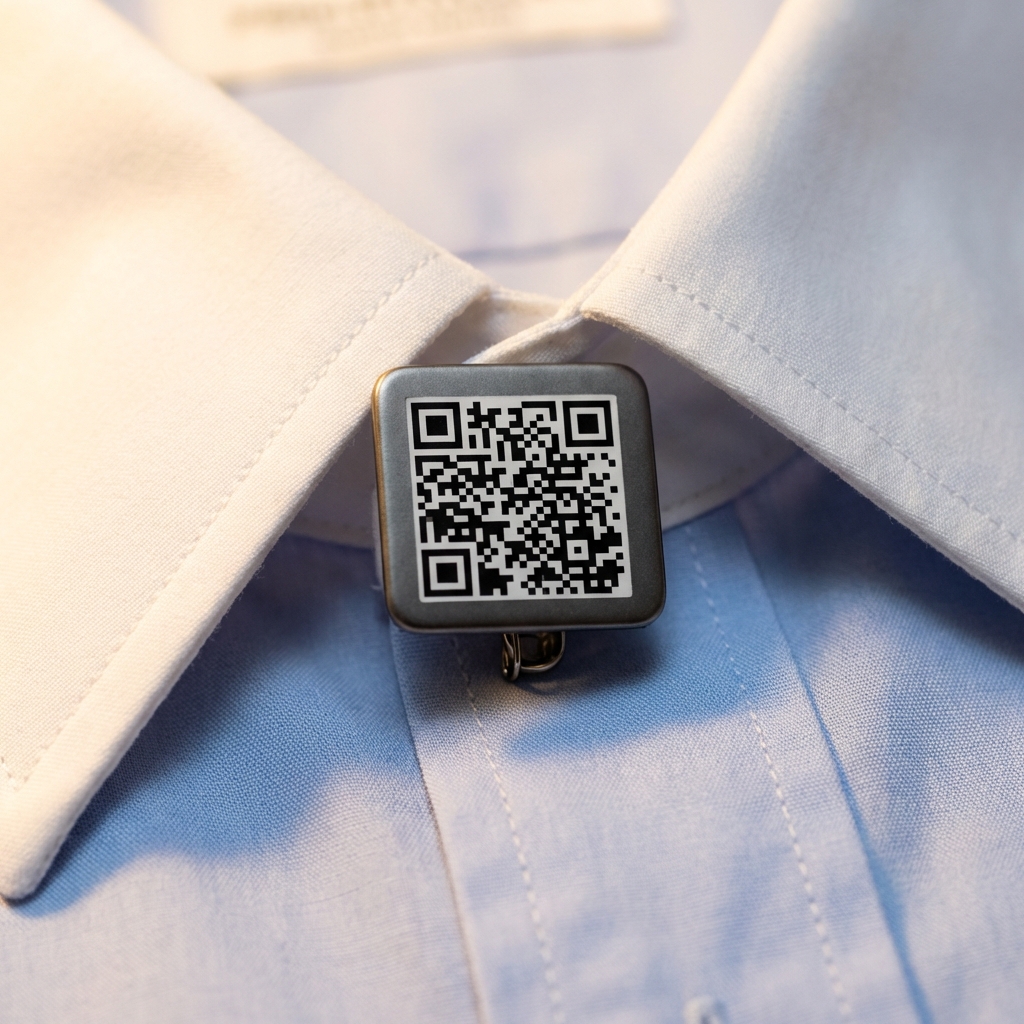
Detailed Logos
More room for complex logos with multiple elements. Clean square crop for modern brands.
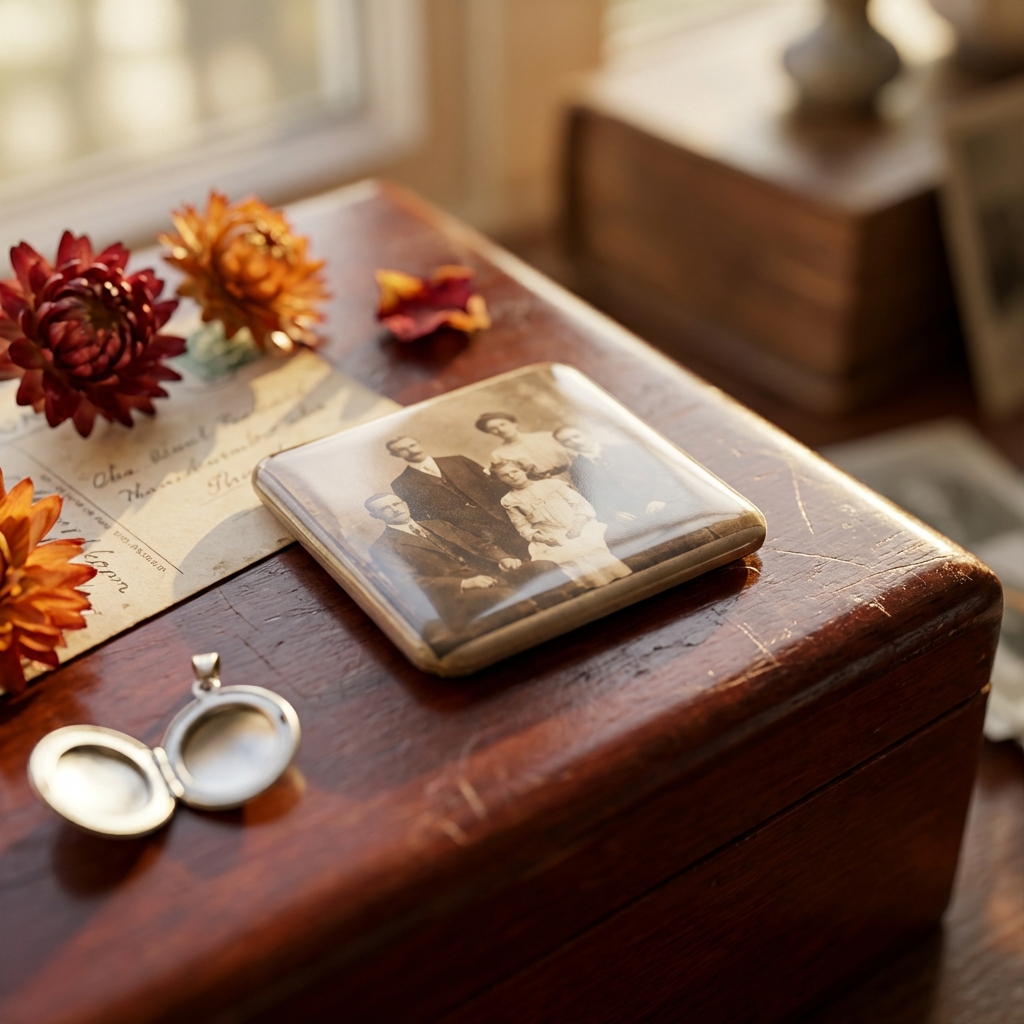
Photo Cutouts
Portrait photos fit naturally in a square. Memorial cutouts, pet photos, and family memories.
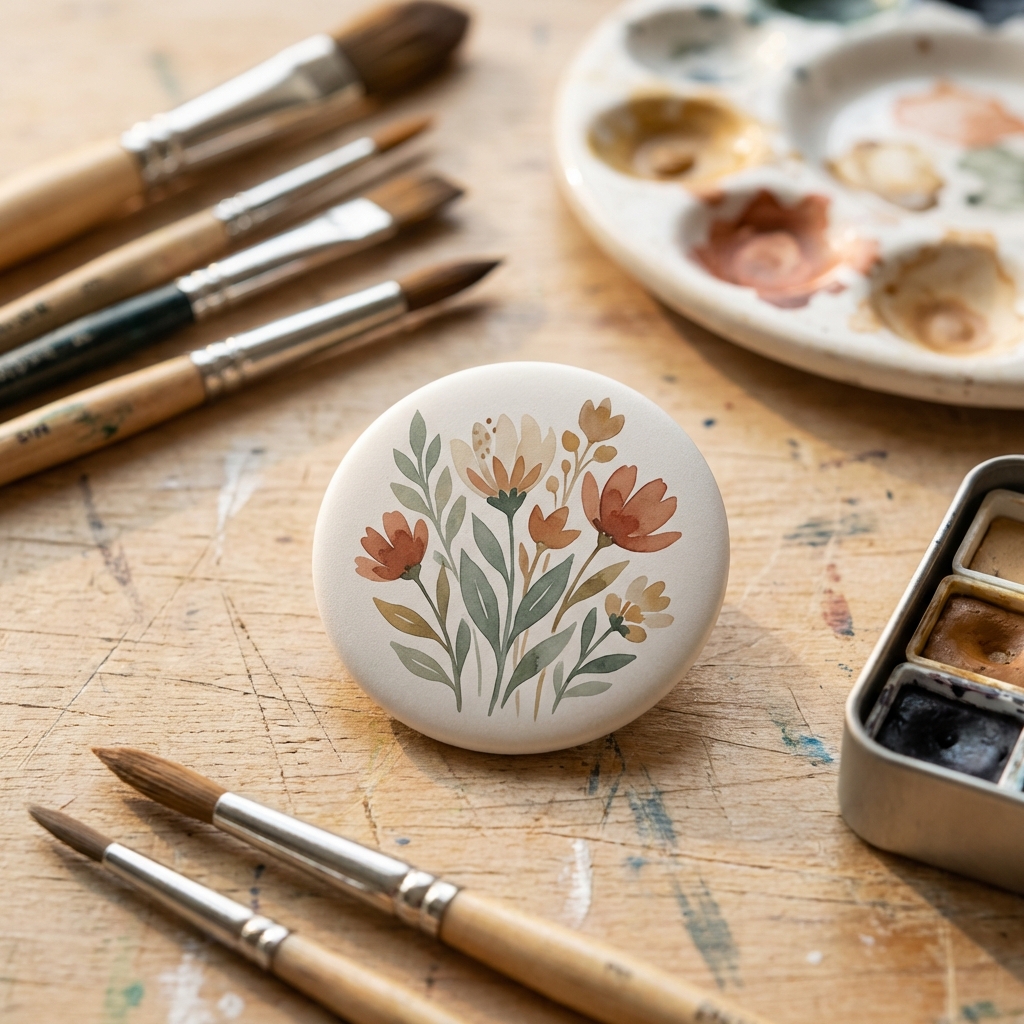
Artistic Designs
The square crop frames illustrations and artwork differently than a circle. Unique look for artist merch.
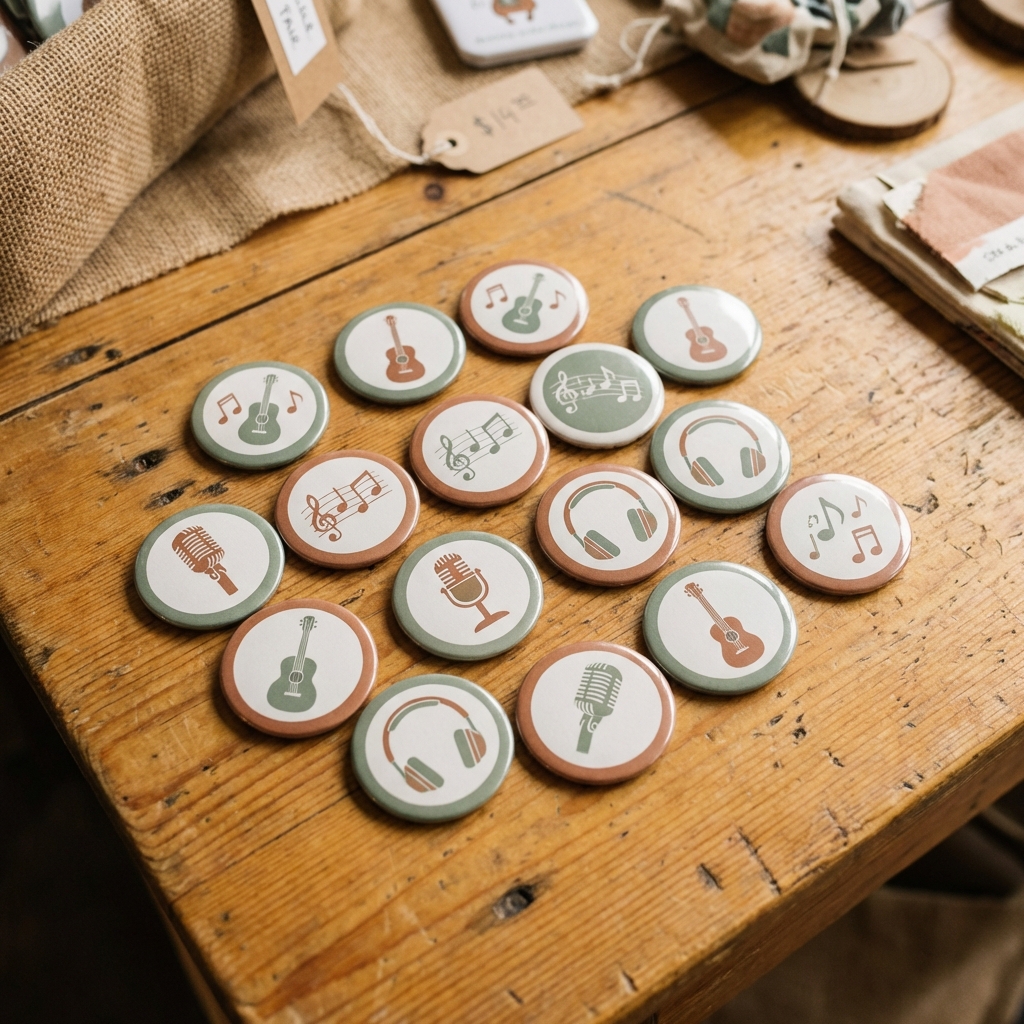
Brand Merchandise
Stand out from the crowd of round pins. The square format catches the eye.
Make 1.5" Square Cutouts in 3 Steps
Upload Your Image
Drop in your design, logo, or photo. Or use our AI tools to generate something from scratch. The 1.5" square template is already selected for you.
Position and Preview
Drag, zoom, and rotate your image on the canvas. The bleed border shows you exactly what will print and what wraps around the edge. Square images fit naturally here.
Download and Print
Export a print-ready PDF with cut guides. Our Fill Page feature packs up to 16 cutouts on a single letter-size sheet so you waste less paper.
Start free. No credit card required.
Works With Your Equipment
Cutout Designer PDFs are built for real presses
The 1.5 inch square template generates print-ready PDFs that work with any standard 1.5 inch square press. The PDF includes precise cut guides and bleed marks for clean results every time.
- Presses to assemble your finished cutouts
- Parts (shells, pin-backs, mylar) for 1.5 inch square cutouts
- Circle Cutters to trim your printed designs
- Paper and Printing Guide for the best results
Frequently Asked Questions
Cutout Designer uses a proportional 5% bleed, so a 1.5 inch square cutout gets approximately 0.075 inches of bleed on each side. The total cut size comes out to about 1.65 inches. Our tool calculates this automatically and shows you the bleed zone in real time as you position your image.
On a standard 8.5 x 11 inch letter page, you can fit approximately 16 cutouts. On tabloid paper (11 x 17), you can fit around 35. Square cutouts pack efficiently since there is no wasted space between rows like with circles. Cutout Designer handles the layout automatically.
Both are 1.5 inches, but the square gives you about 27% more visible surface area since circles lose their corners. The square format also works better for photos, logos with straight edges, and designs that do not suit a circular crop. If your design has important details in the corners, go with the square.
Yes. Square cutouts require a press with a square die set. Cutout Designer generates print files that match standard 1.5 inch square dies with proper bleed and cut guides.
Yes. The free Tinker plan lets you create up to 5 designs per month with PDF download, and you get all standard sizes and shapes including 1.5 inch square. For unlimited designs and AI image tools, the Maker plan is $4.99 per month.
Ready to make some 1.5" square cutouts?
Pick the template, upload your design, and download your PDF. That is it.
Start with 1.5" Square Template